
How to Split a Restaurant Bill With Friends
Splitting a restaurant bill shouldn't end in an argument. With Split you photograph the bill, AI reads every dish and price, you share a WhatsApp link, and each person marks what they had from their own phone. Everyone sees exactly what they owe — tip included.
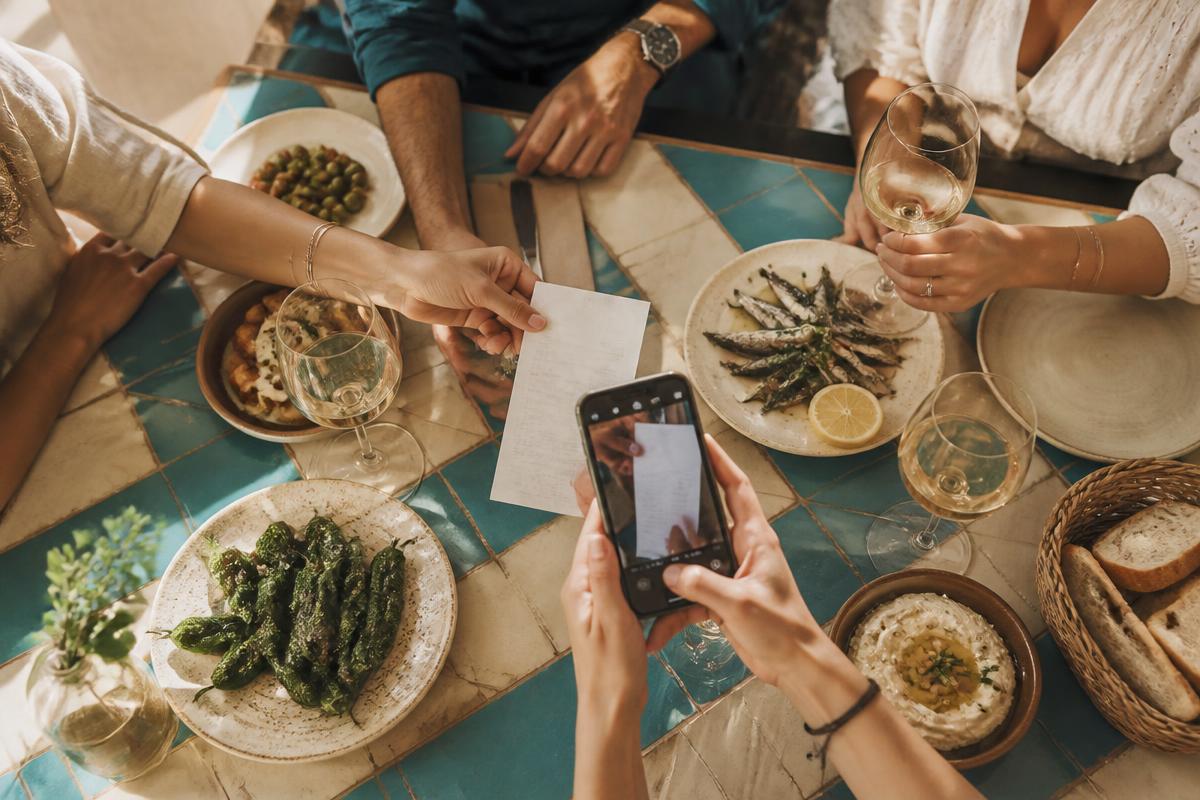
Nothing to install: it runs in the browser and shares as a link.
How it works in three steps
1. Photograph the bill
One photo is enough. The AI extracts dishes, quantities and prices in seconds.
2. Share the link
Send one WhatsApp link to the group. No sign-ups, no downloads.
3. Everyone marks their own
Shared dishes are divided automatically between whoever marks them, and the tip is prorated by consumption.
Tips for the restaurant
- Ask for an itemized bill, not just the total — without per-dish lines every split is guesswork.
- Tell the server up front that you're paying separately; many places set it up from the start.
- Check whether cover charge, bread or corkage appear as separate lines and treat them as shared.
- Calculate the tip once on the total, then divide — per-person tips are the most common source of errors.
- If one card pays, settle the split at the table before you stand up.
Tips for the group
- Agree on the method before ordering: evenly or by dish.
- An even split only works when everyone ate similarly; if someone had just a salad, split by dish.
- Wine bottles and starters for the table are shared costs for whoever had them, not for everyone by default.
- Always round up, never down — whoever paid shouldn't end up short.
- Settle transfers the same day. A link with each exact amount removes every reminder.
Frequently asked questions
How do you split a restaurant bill with friends?
The fairest way is by dish: everyone pays for what they ordered plus a proportional share of shared dishes and the tip. With Split you photograph the bill and share a link so everyone marks their own items.
Can you split a bill without installing an app?
Yes. Split runs in the browser and is shared through a WhatsApp link.
How is the tip divided?
Calculate it once on the total and prorate it by what each person consumed.
How are shared dishes handled?
Each shared dish is divided automatically between the people who mark it.
Is Split free?
Yes, splitting bills with Split is free and guests don't need an account.